
News and guides
What is changing in games, what to follow in esports and what to try in your next match.
How to see which direction a sound is coming from in Fortnite
When a teammate’s voice drowns out the game, Fortnite can give you a visual cue. Here’s where to switch on the circular indicator and how to read it.
Read the article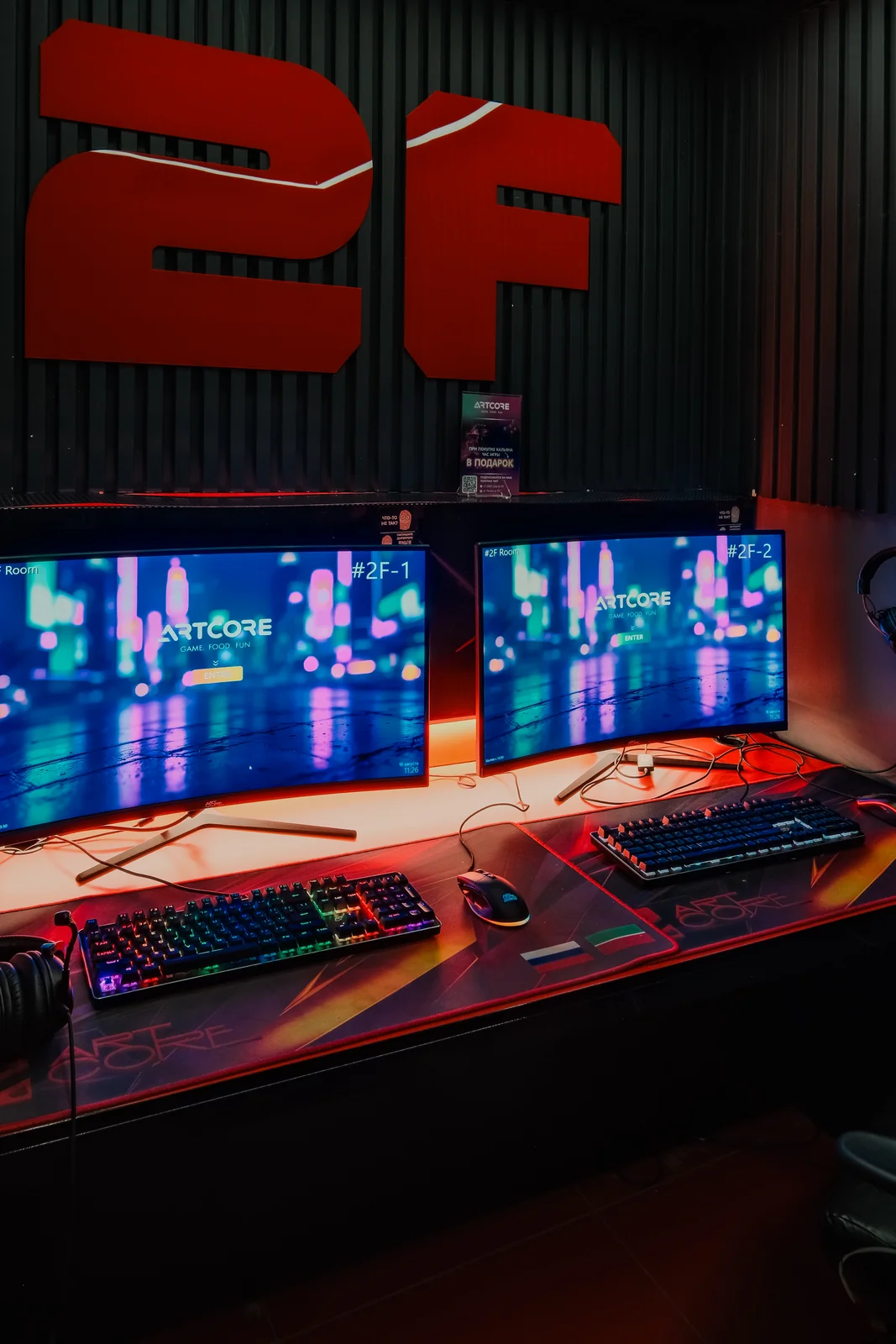
More from the journal

How to reduce DualSense trigger resistance on PS5
In a PS5 racing game, the brake trigger can push back against your finger. On a standard DualSense, you can make it lighter and still feel the vibration when you clip a kerb. Start with a corner you know.
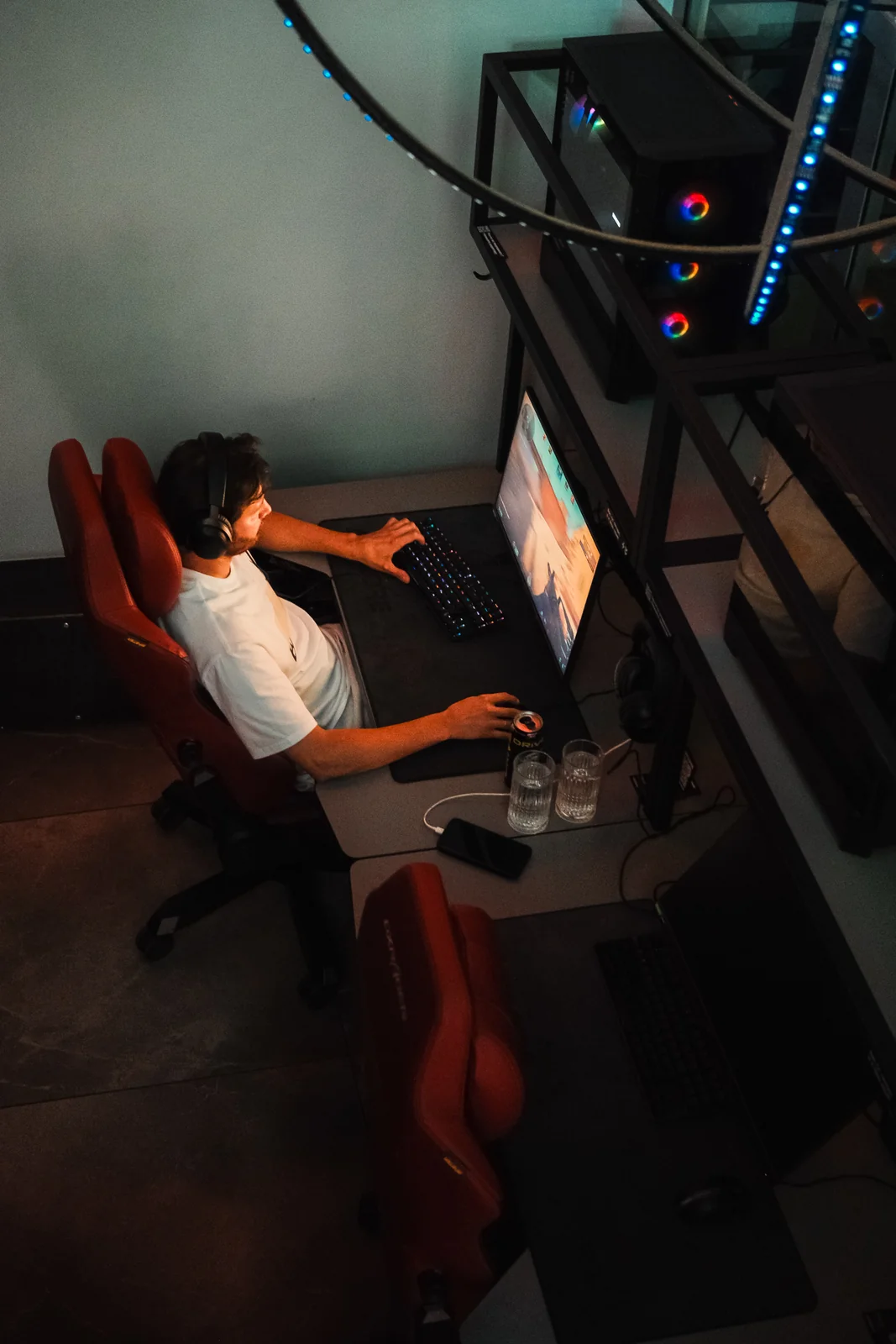
Steam Overlay will not open: what to check before a match
Pressing Shift+Tab does nothing over the game? Check the shortcut first, then Steam's global setting and the permission for that particular game. This quick sequence shows where the overlay stopped working without changing unrelated PC settings.
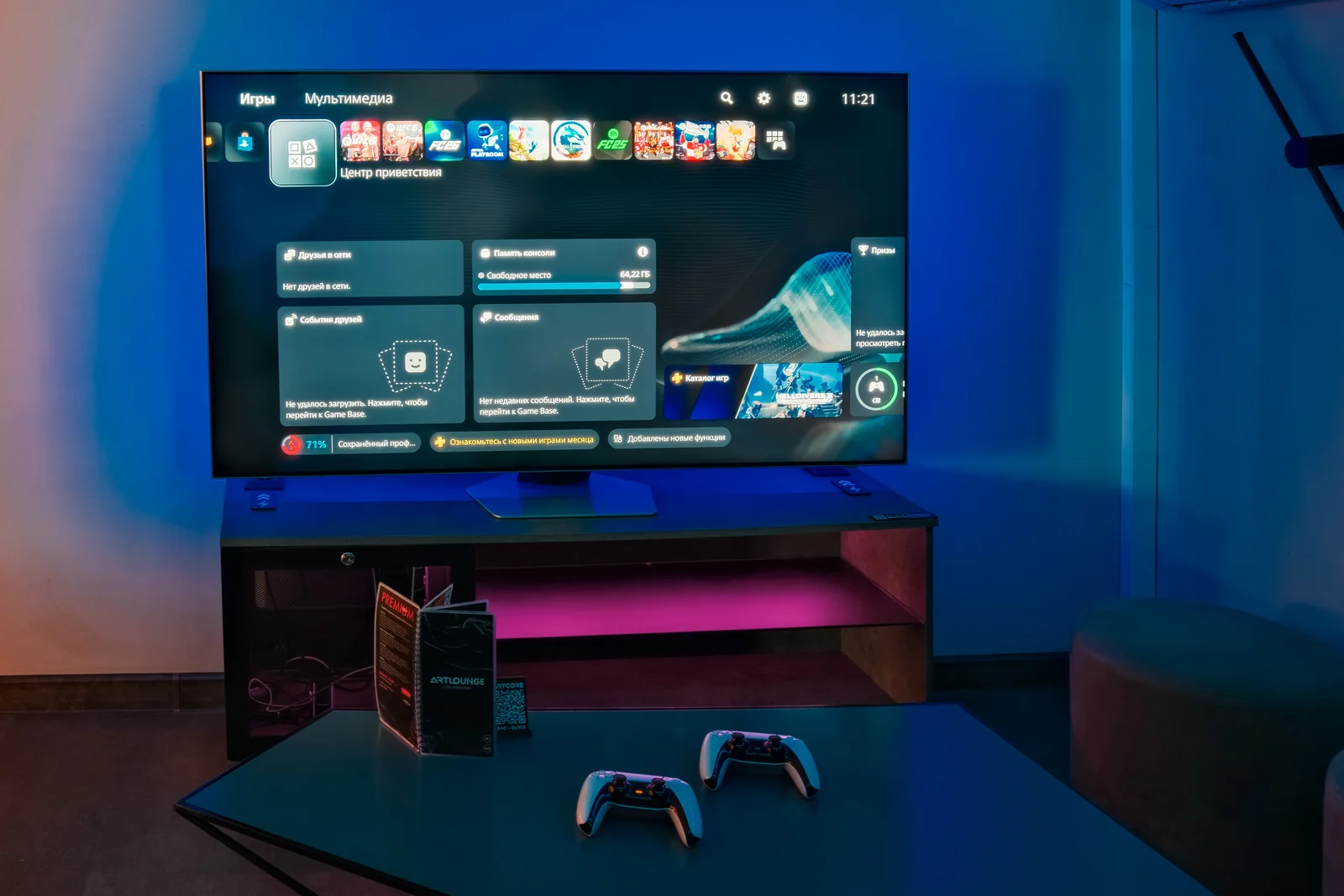
Bright scenes on PS5 look washed out. How to check HDR
Coming out of a tunnel, the road briefly blends into the sky. That might be how the game portrays the change in light. Pick a scene that stays still and check the signal your PS5 sends to the screen. You can then tell whether the effect is confined to one scene or follows you into other games.

Check the Steam download queue before a match
A game may be installed, yet a large update can still delay its launch. Before meeting your team, open Steam's download queue, put the required game first and wait for both the network transfer and disk work to finish.
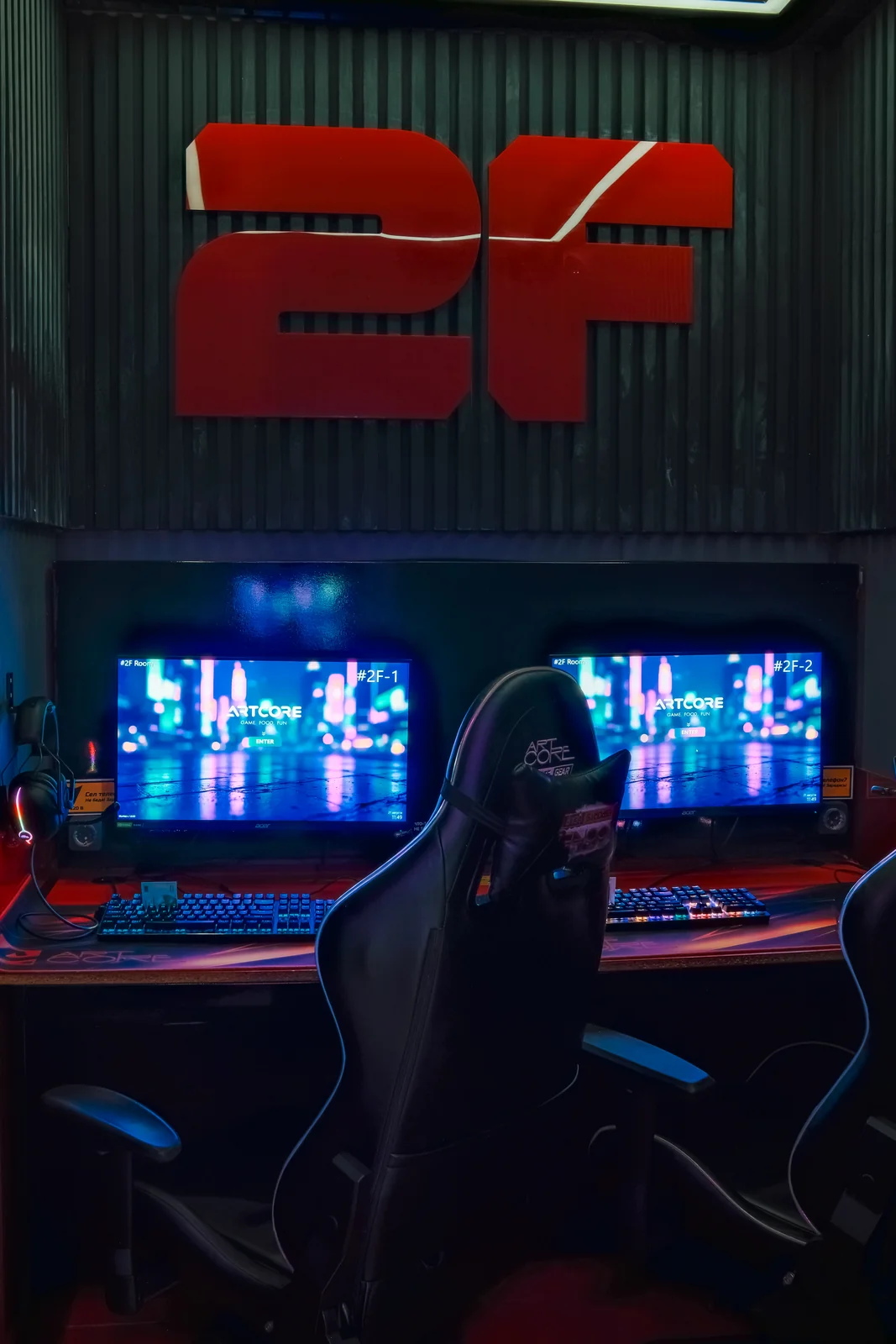
Invite your team to Discord and check access before the match
A link in the group chat does not mean everyone has found the right voice channel. If your team uses Discord for gaming, prepare an invitation for the particular session and test the route a new participant will take in advance.
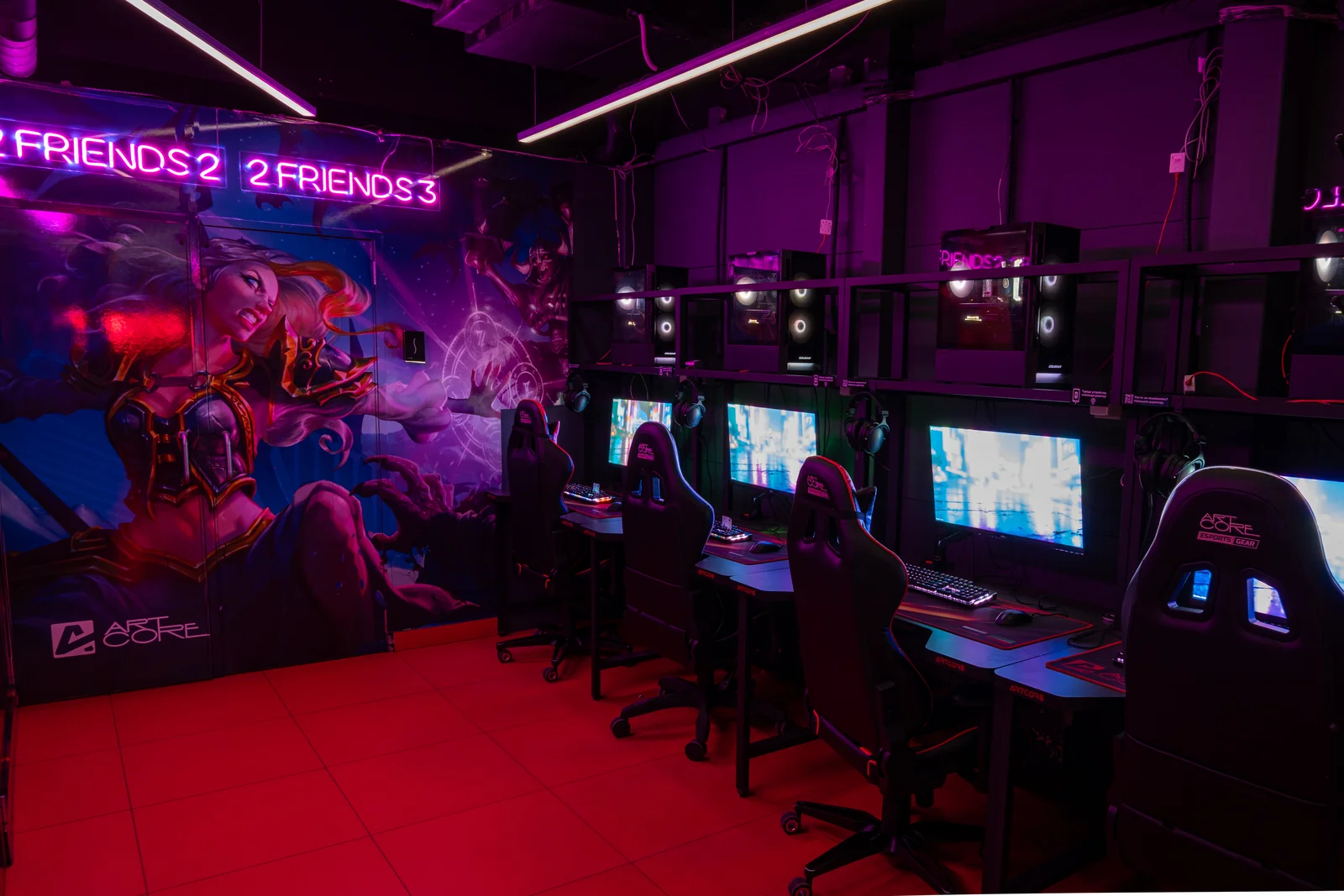
Steam Cloud before switching computers: check your latest save
After a good run, it is tempting to close the game and leave. Before switching computers, however, check both the save inside the game and its upload to Steam Cloud. Here is a practical sequence, including what to do when two versions of your progress differ.
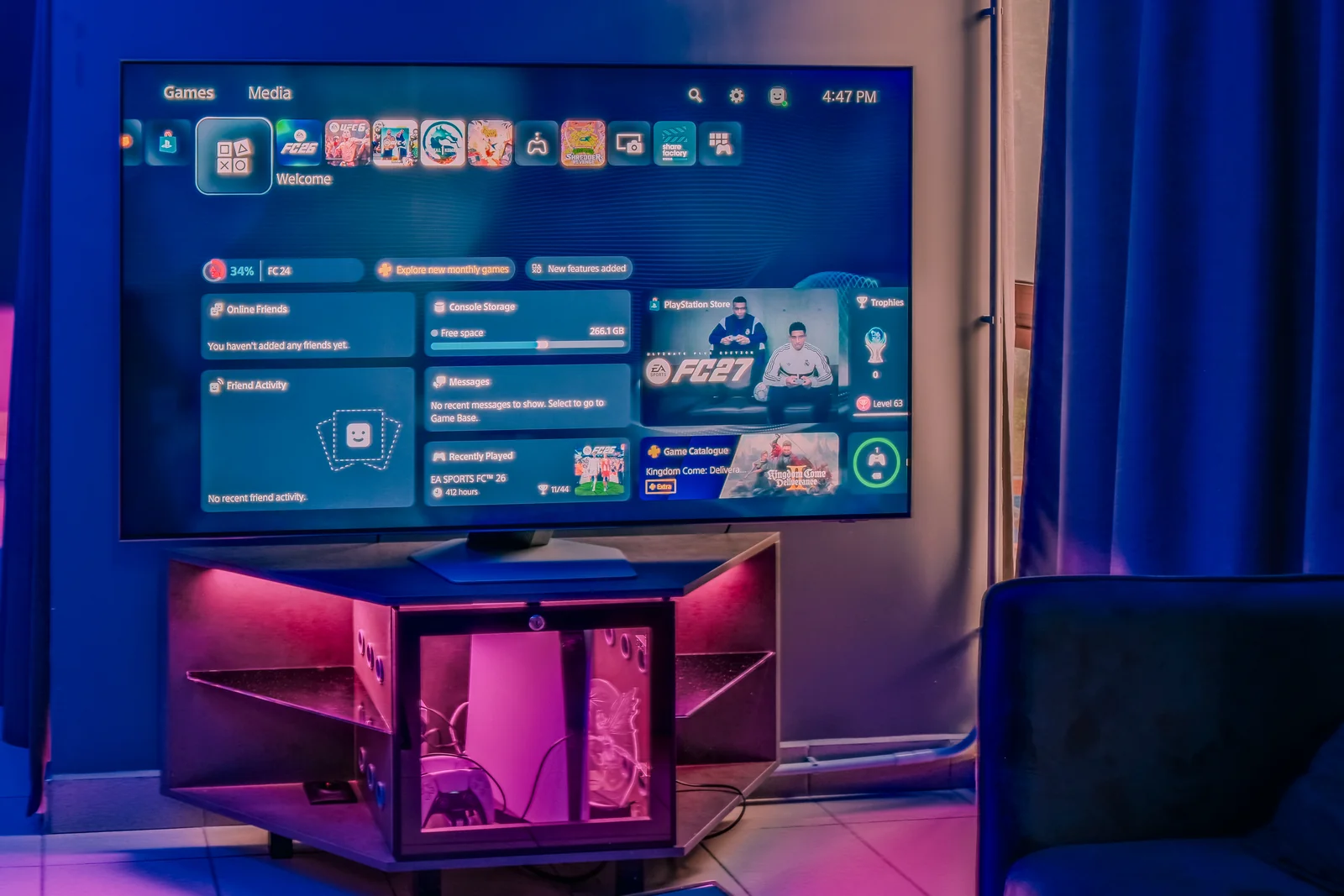
How to save a goal on PS5 after you’ve scored it
A friend wants to see your goal from the halfway line, but you never started recording. Your PS5 can save the clip after the final whistle. Here’s how to find it and include the pass that set it up.

How to check that a club’s PS5 in Kazan can play GTA 6
Rockstar released Grand Theft Auto VI on 19 November 2026. A day after launch, here’s where the new story takes place, whether two people can play on one screen, and how to check which GTA is on a club’s console.
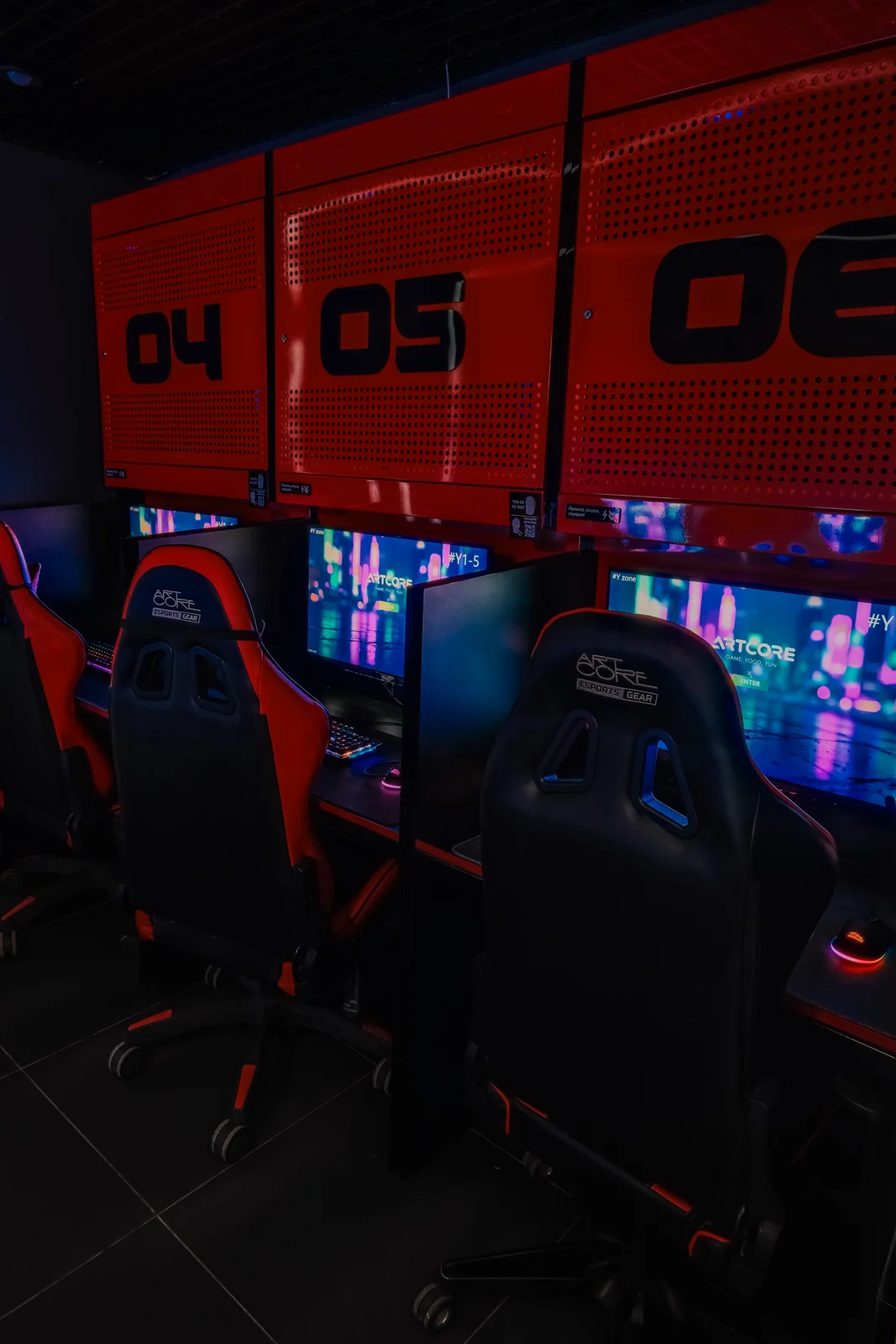
One game, two players: inviting a friend with Steam Remote Play Together
You’re at a club PC and your friend is at home. Using Overcooked! as an example, here’s who starts the game, how the invite works and how to give the second player a chef of their own.
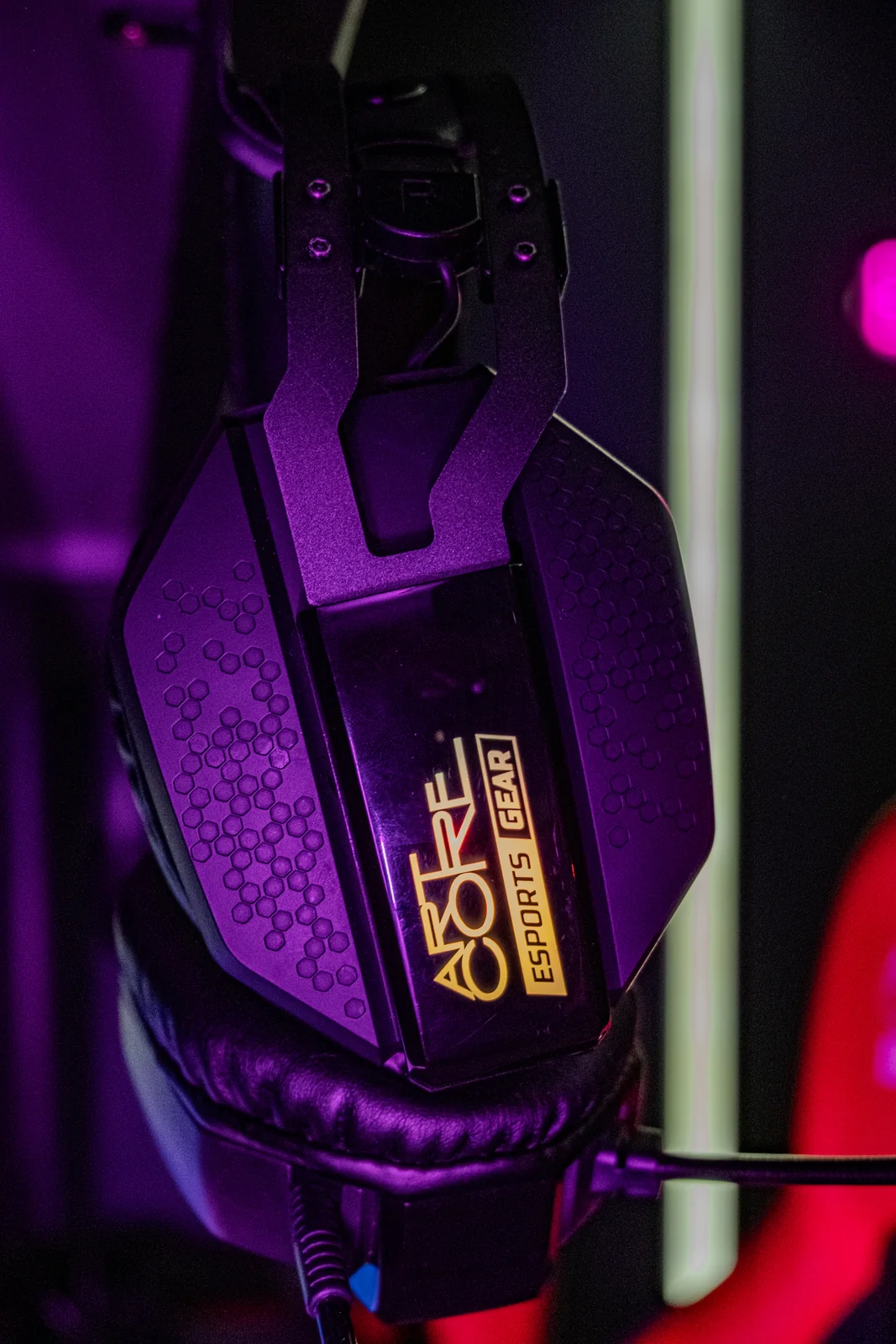
No microphone sound in Discord: a quick check before the match
How to tell a muted headset from the wrong input device and check voice chat without reinstalling software.
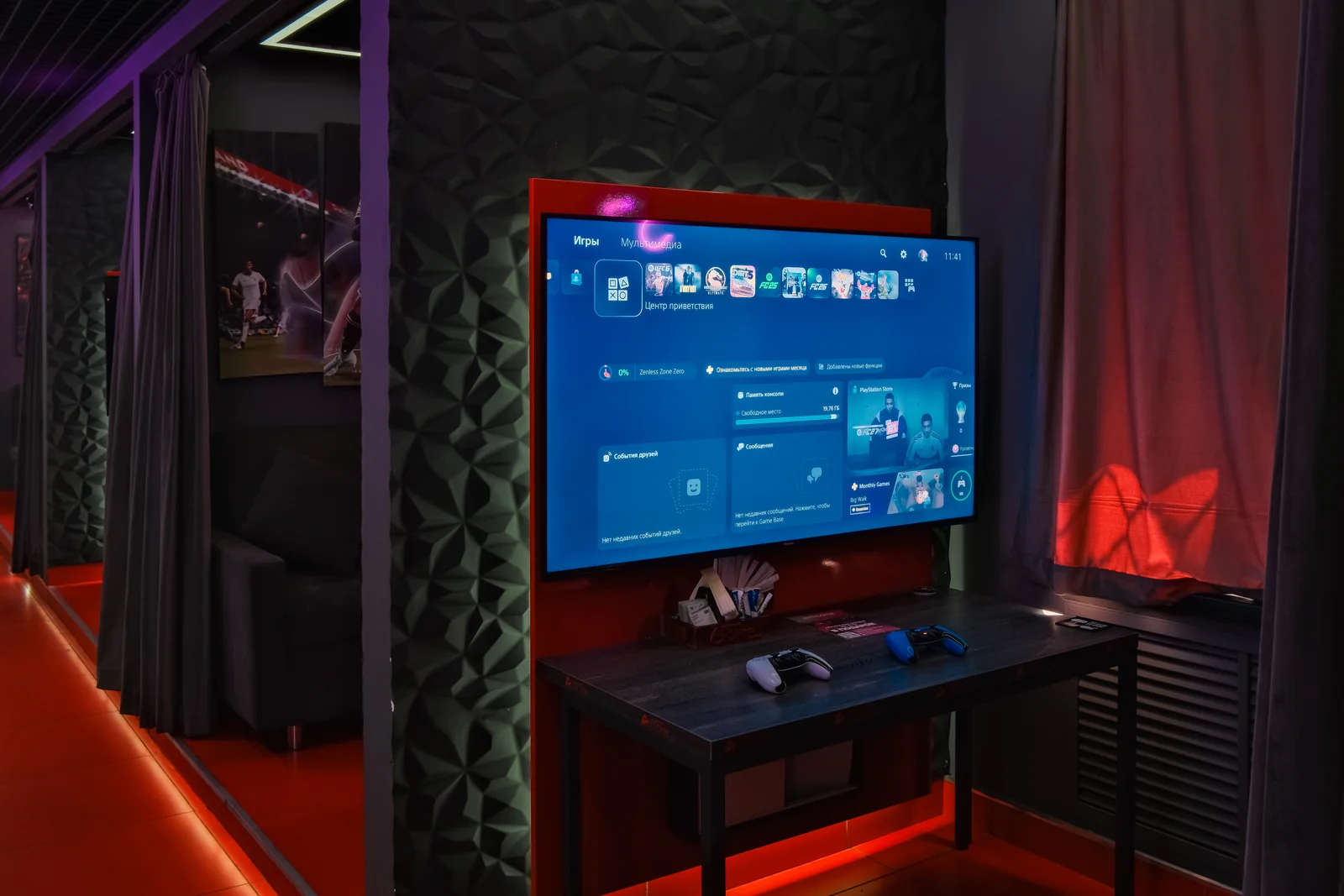
How to play together on one PS5: two controllers and the right mode
What to check before sharing a screen: local multiplayer support, connecting a second DualSense and getting both players into the game.

A gaming club with food in Kazan: an evening without rushing between matches
How to combine gaming, dinner and conversation: choose a club with a kitchen, agree on a shared break and return to your PC or PlayStation without rushing.

ARTCORE is now at artcore.gg: the clubs' new website address
ARTCORE has a shorter main website address. Existing links still work, and you can choose a club and plan your gaming evening at artcore.gg.
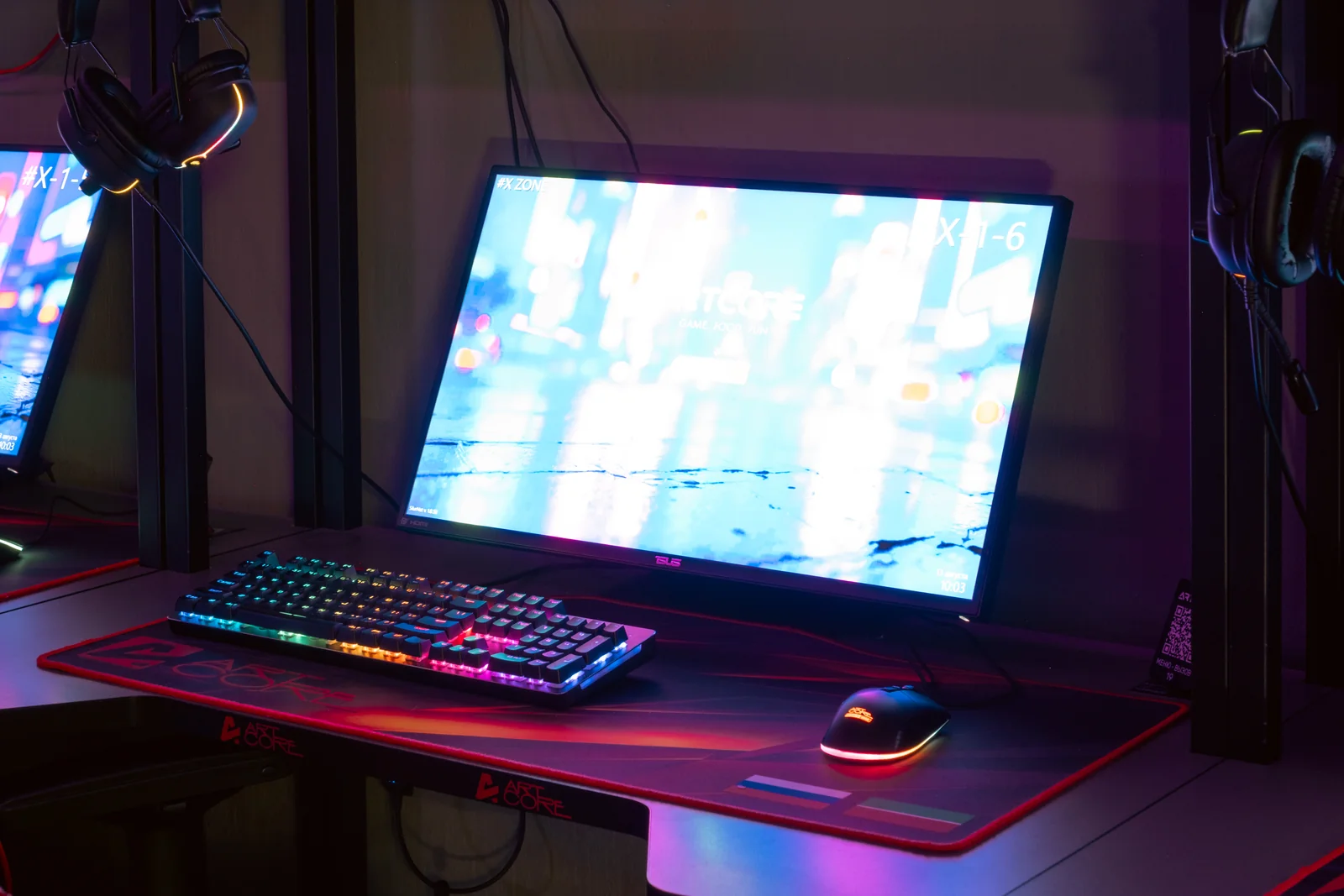
Steam at a gaming club: signing in and out safely
How to check a QR-code sign-in, end your session on a shared PC and revoke access from your phone if you have already left the club.

A Steam game will not launch: verify its files before reinstalling
When to verify game files, how to assess the result and what to tell the club administrator if the game still closes.
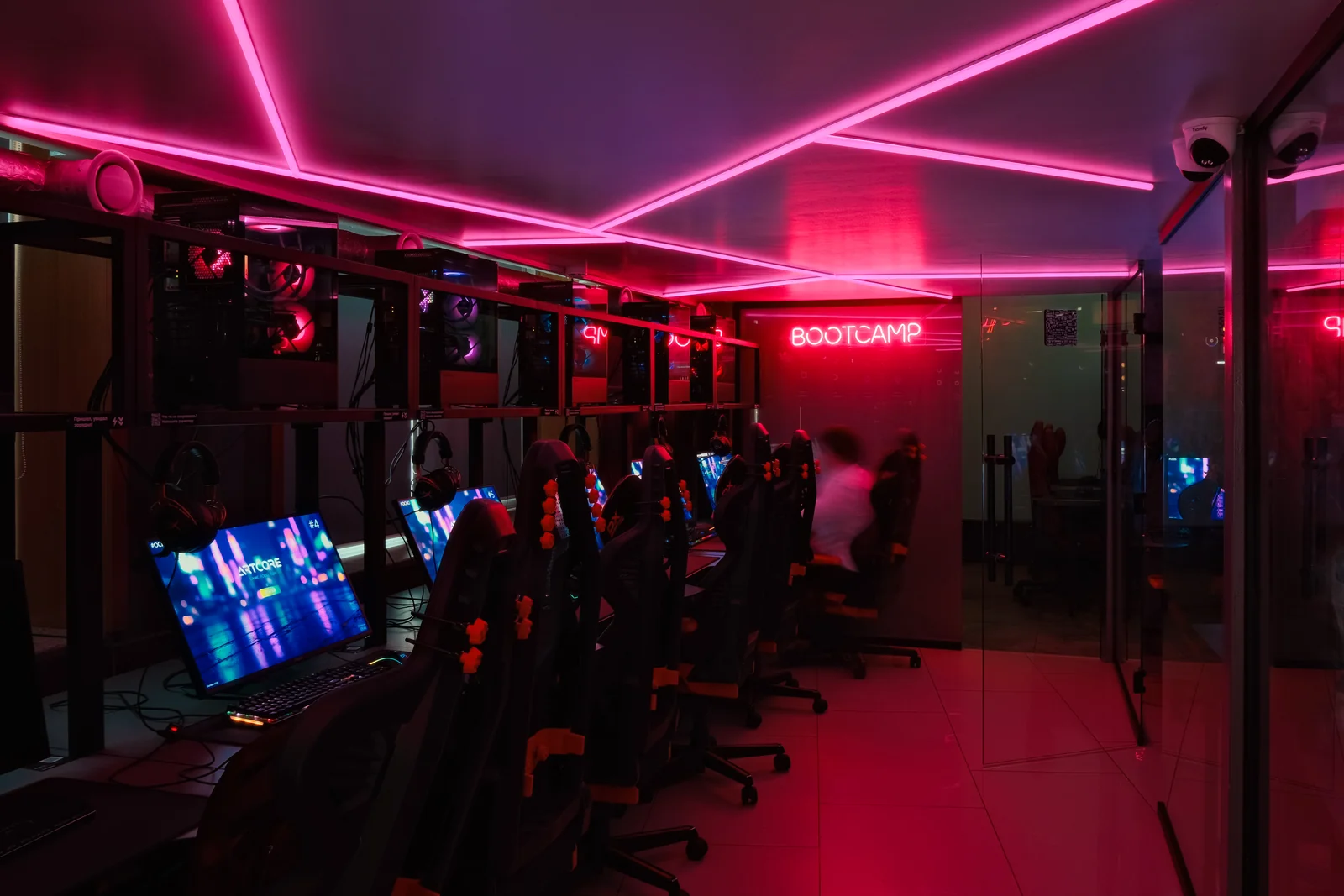
DREADMOOR enters Early Access: what to know before your first voyage
Fishing goes hand in hand with dangerous expeditions. We look at who might enjoy this new game, why to update it before starting and what not to expect yet.
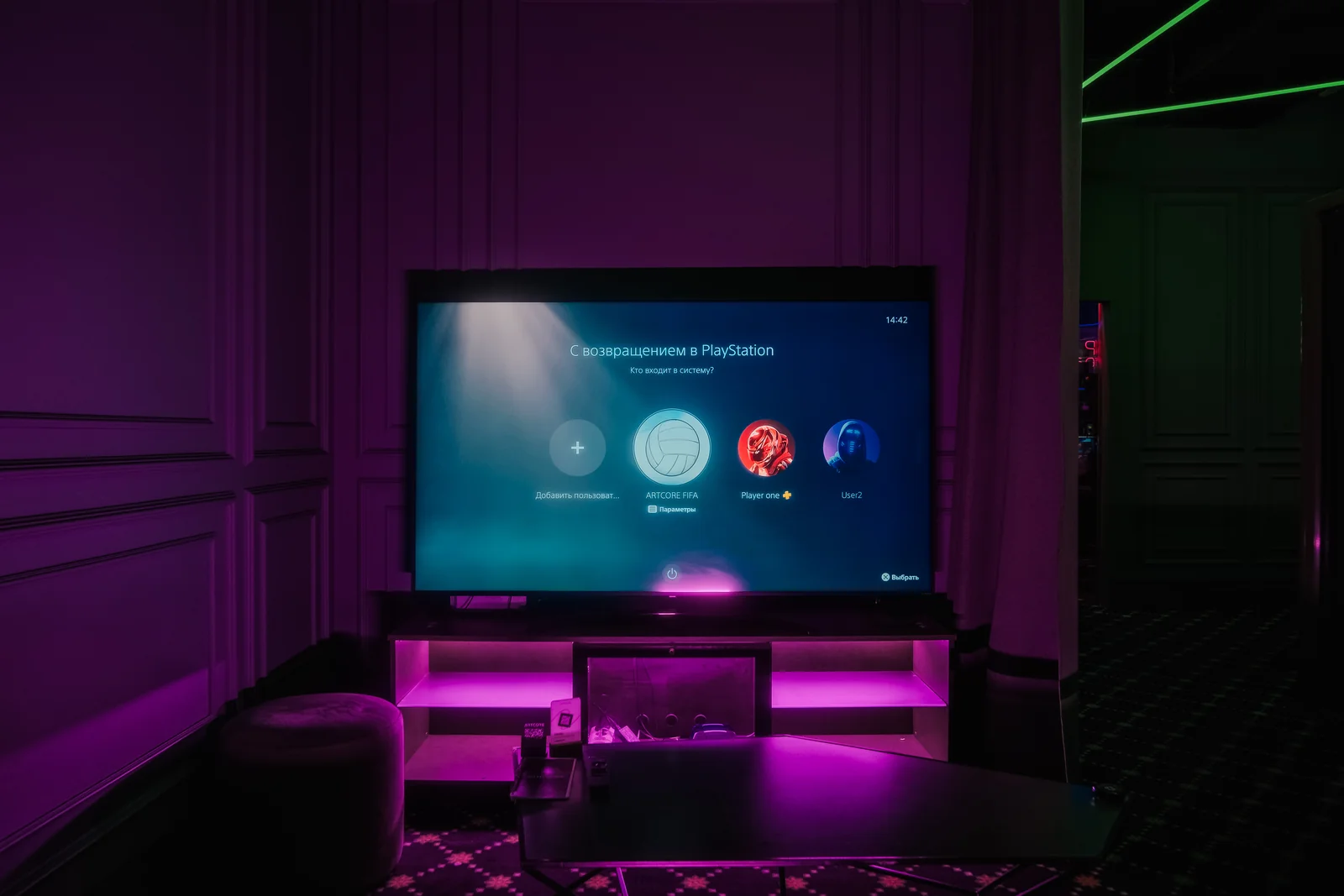
Cannot be heard in PS5 chat: check your microphone and voice channel
You can hear the game, but your team cannot hear you? Check the input signal first, then the correct chat channel, to find where communication is breaking down.
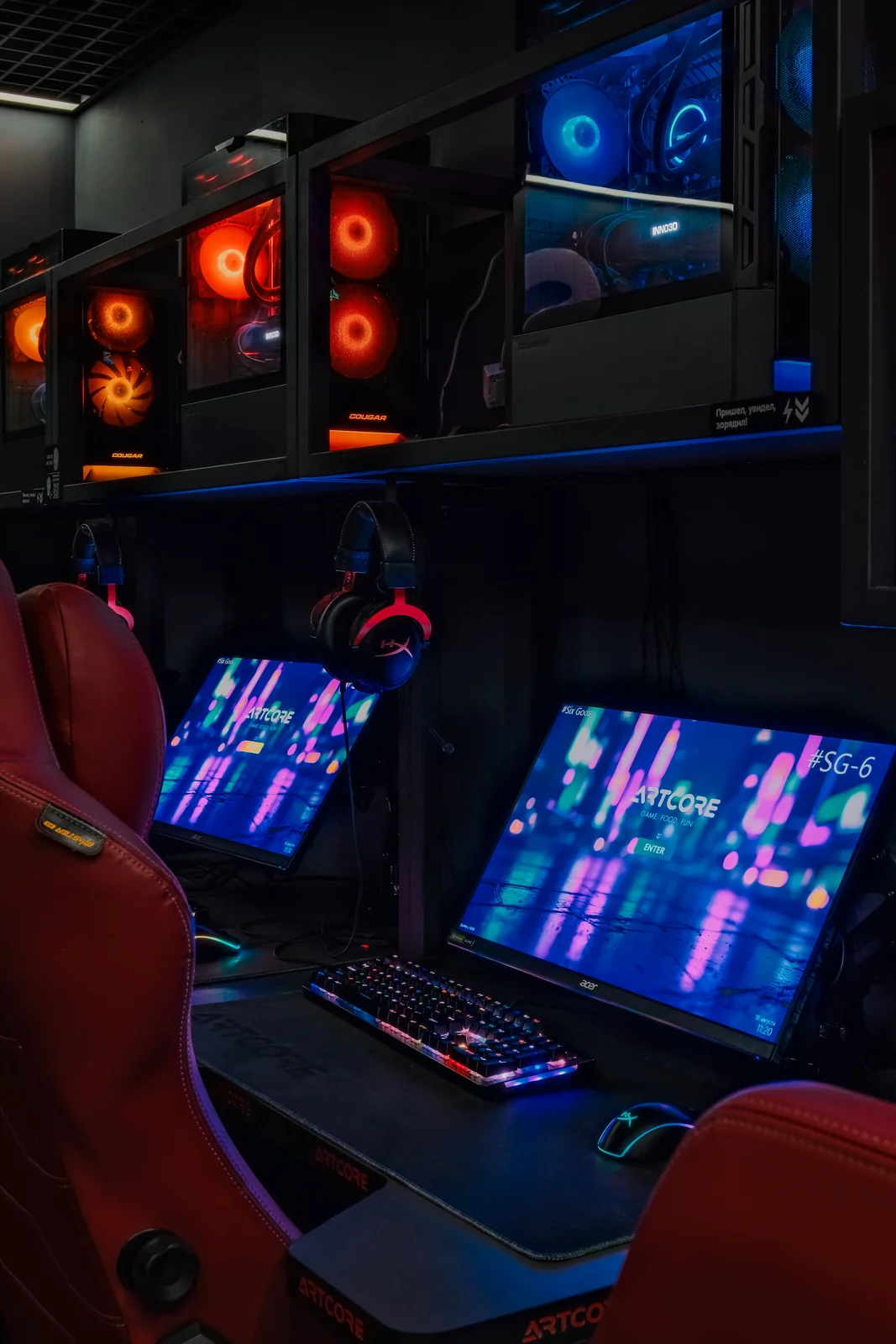
High FPS but the game still stutters: what to check in Steam
A frame counter does not always explain stutter. Steam's monitor helps reveal a brief drop and compare settings in the same gameplay sequence.
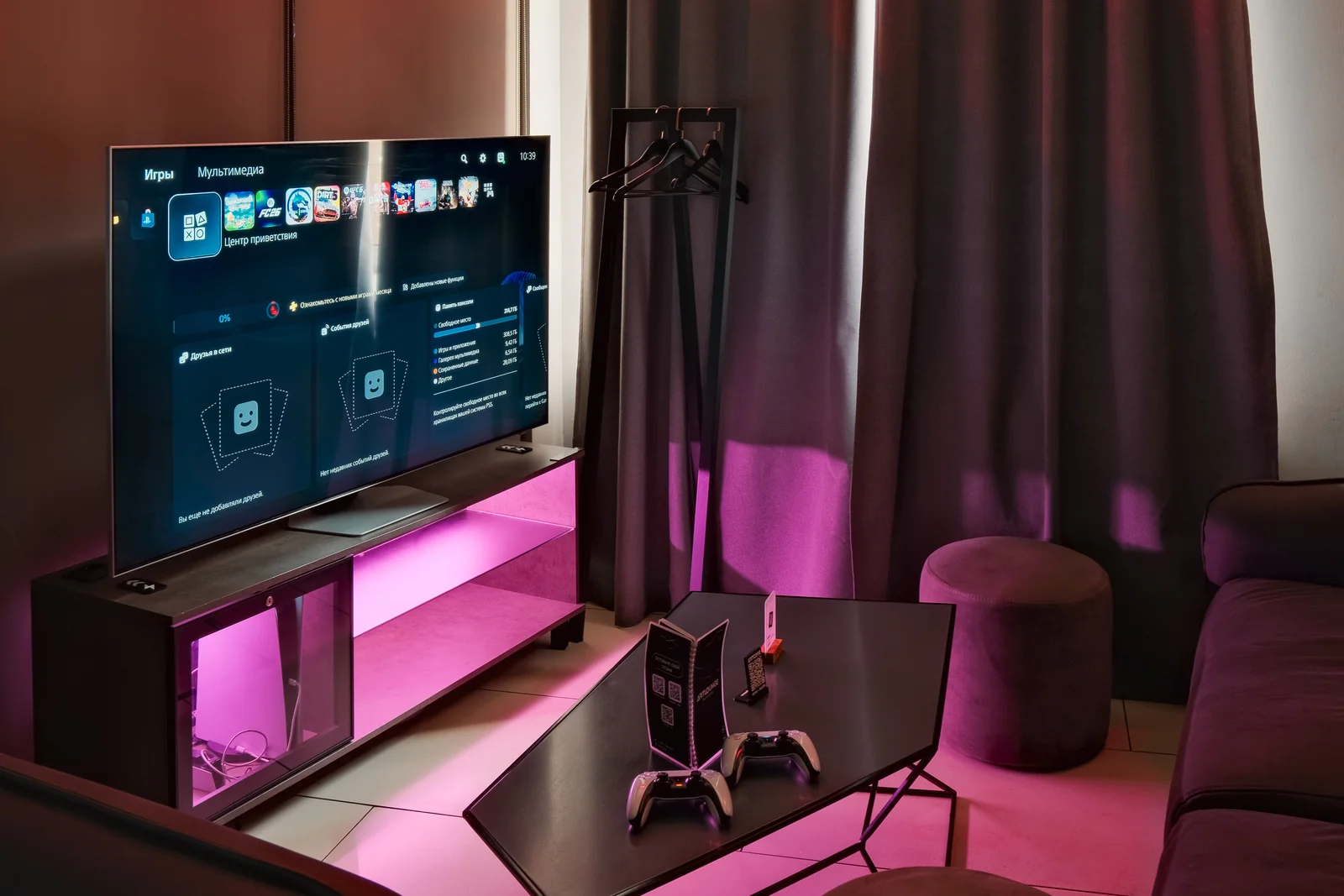
120 Hz on PS5: how to check the mode before playing
Enabled 120 Hz but noticed no difference? Check the display's capabilities, the console's output and the game's settings separately: they are three different requirements.
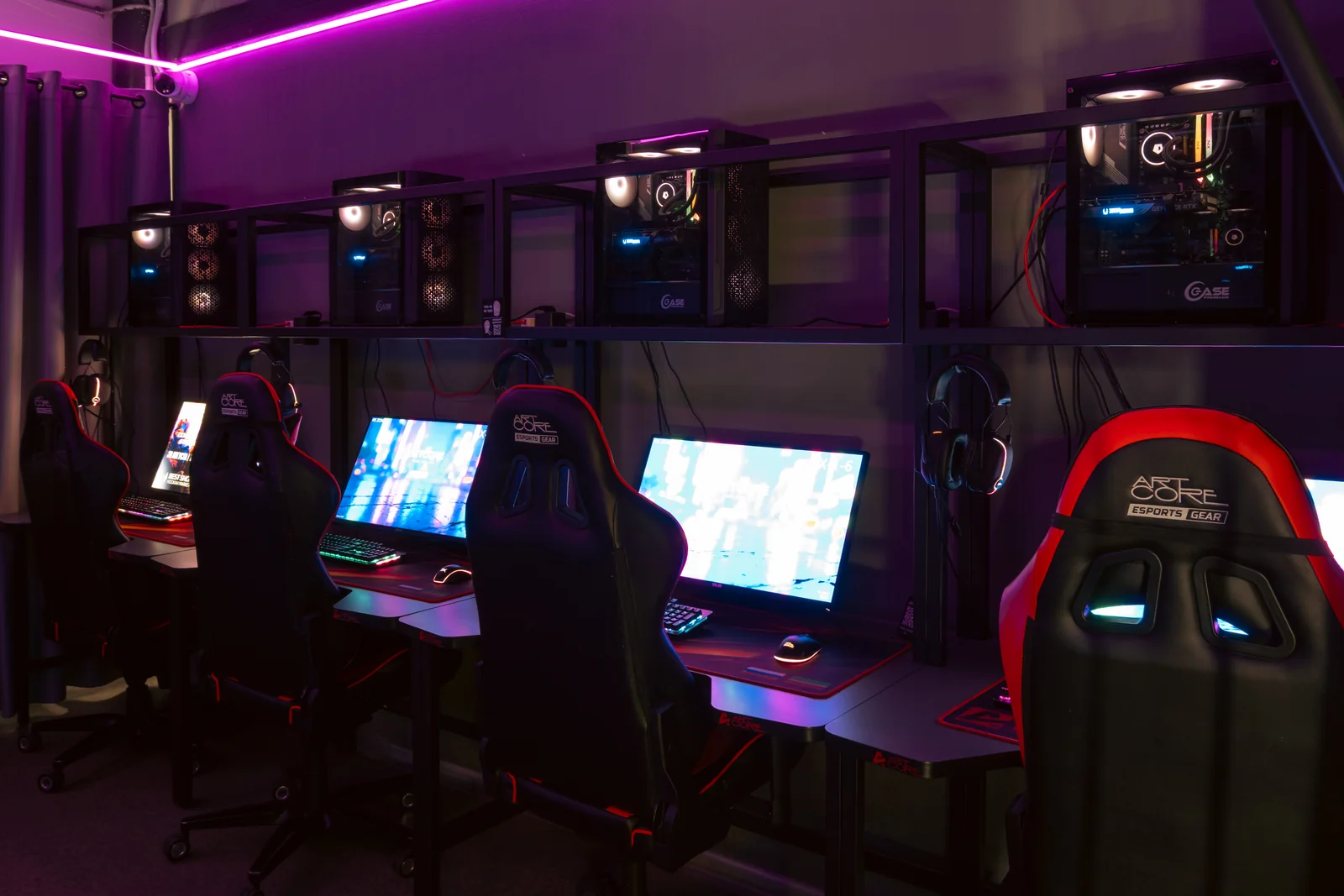
Fortnite on 8 November: enter Captain’s Day with a plan
Epic included 8 November in the Treasure Hunters season's Captain’s Days calendar. Here is what the original announcement confirms and how to avoid spending your first matches just hunting for new items.

Retakes in CS2: a warm-up that helps you understand your mistakes
Fast rounds can easily become a chase for frags. Try a different goal: after each death, name one decision you should have changed.

The window is smoked, but you are still visible: check your CS2 lineup
Picture a mid take on Mirage: the smoke is already in the window, you cross mid, and the opponent still gets a burst off. To find the cause, you need a teammate, one throw and a view from the other side of the window.
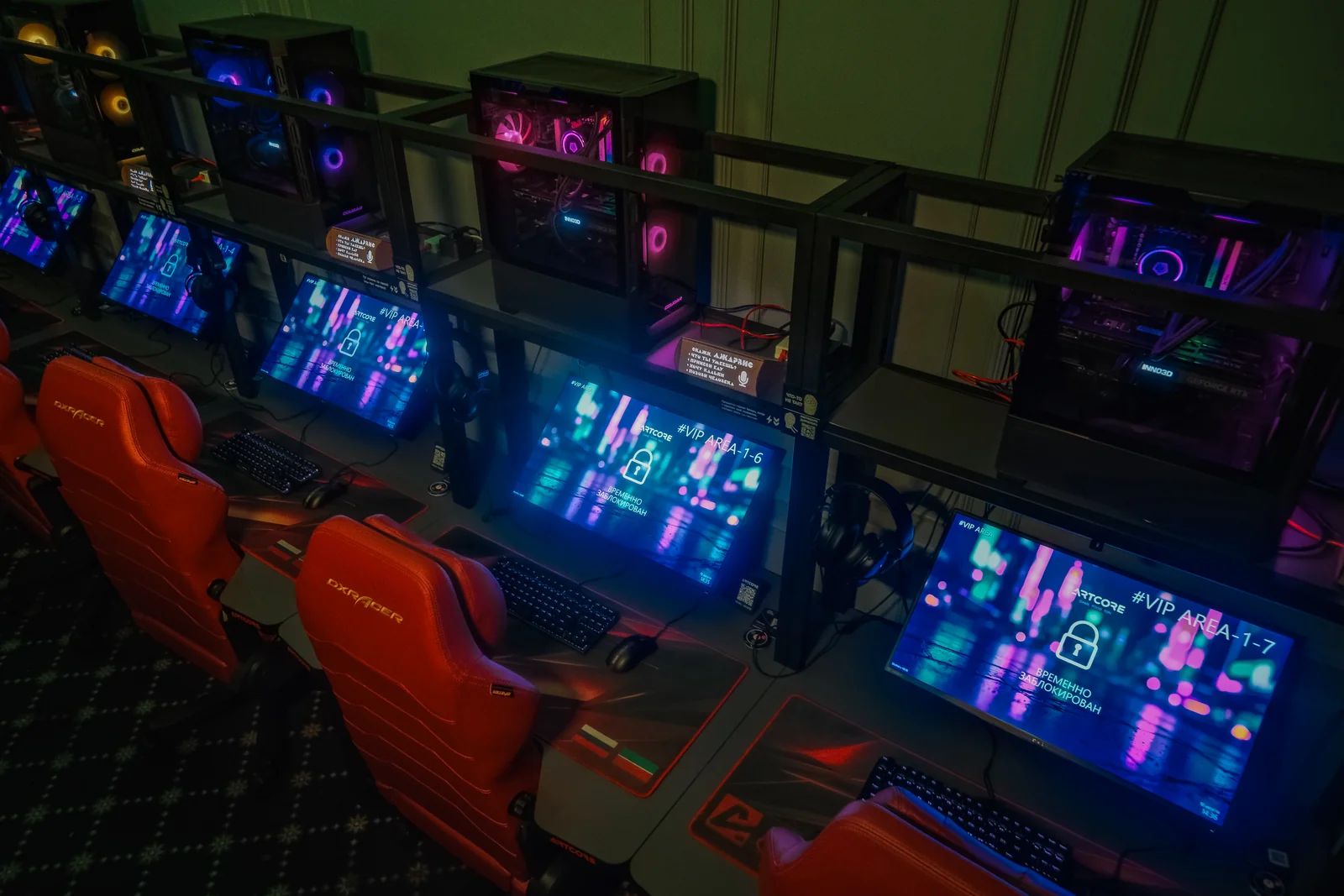
Can you trade in time in CS2? A three-player check
Your teammate dies around the corner. By the time you take two more steps, the opponent has ducked behind a box. Here is how to adjust your spacing for the next peek.
Published guides
ARTCORE Journal
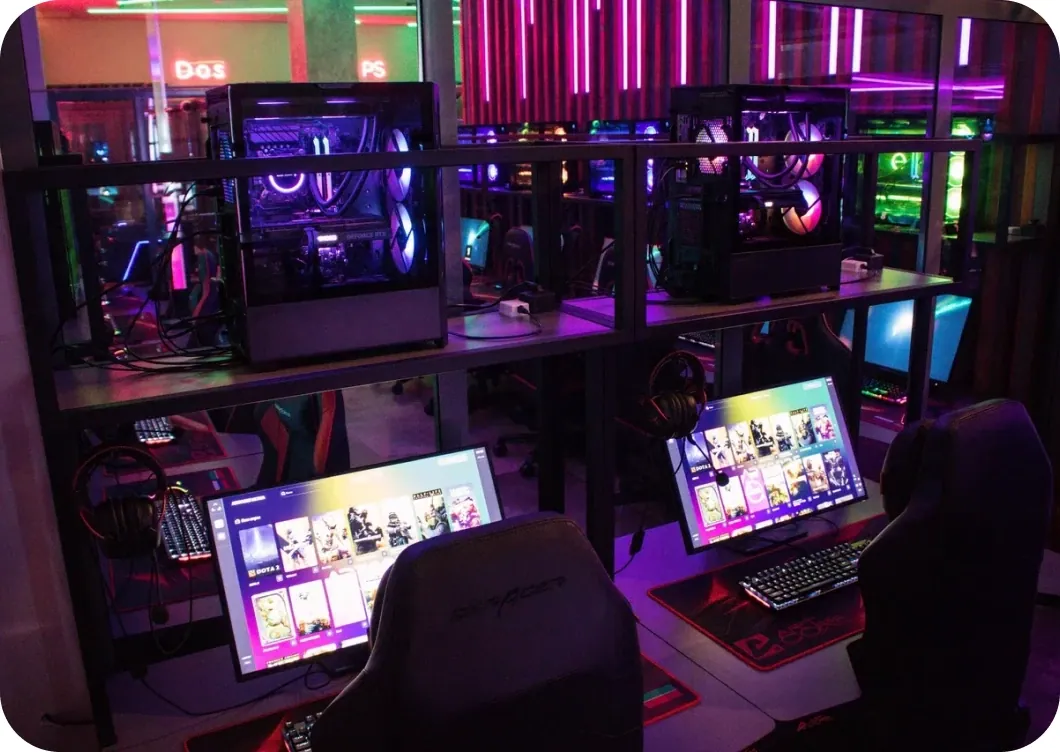
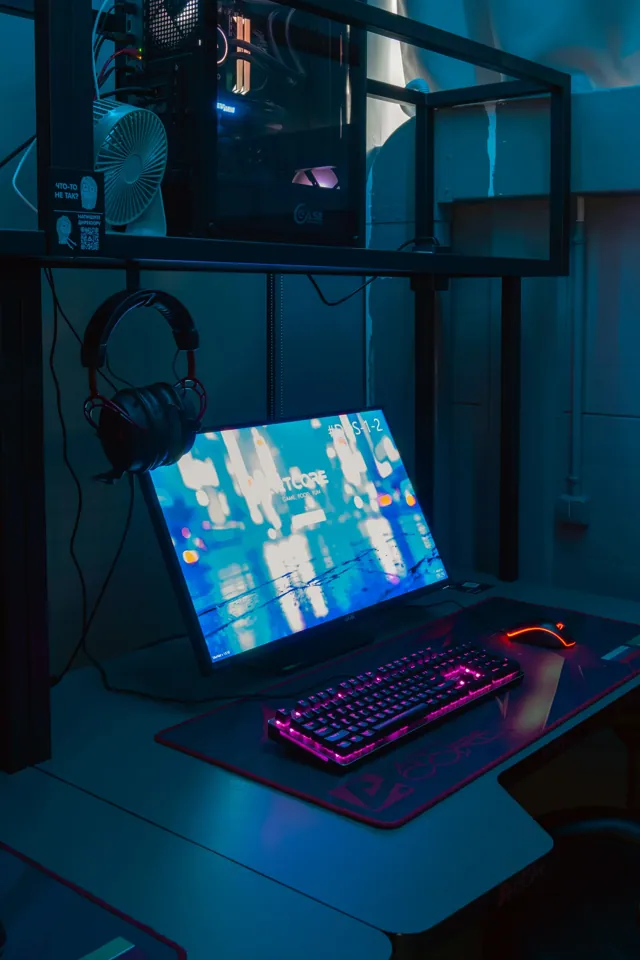
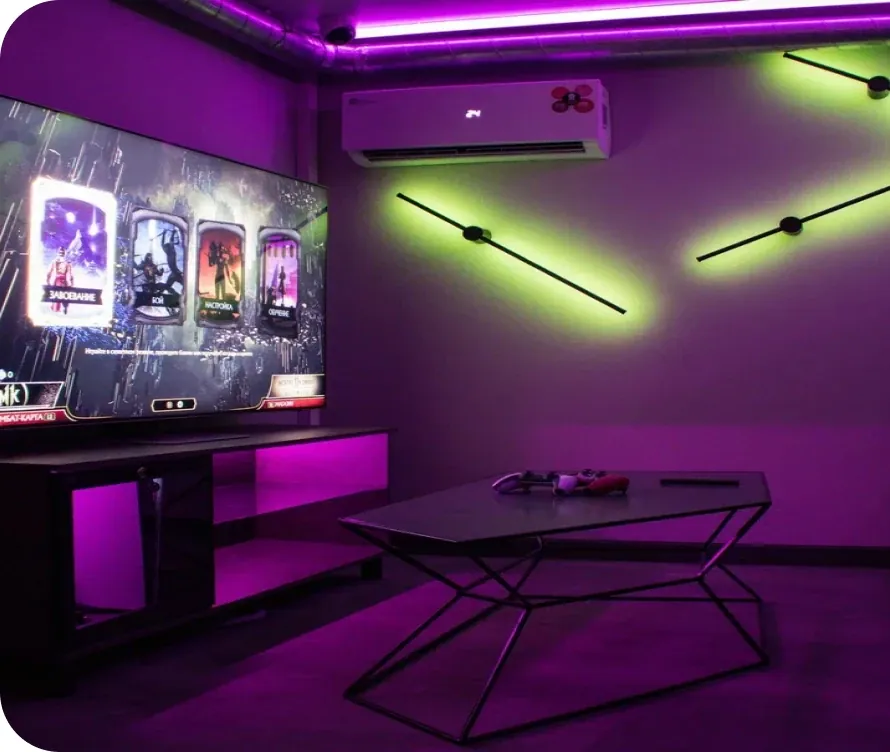
Games, esports and practical advice from the ARTCORE club network in Kazan and Tsaryovo.
Found an inaccuracy or have a topic to suggest? Contact ARTCORE via official VK community.