How to save a goal on PS5 after you’ve scored it
A friend wants to see your goal from the halfway line, but you never started recording. Your PS5 can save the clip after the final whistle. Here’s how to find it and include the pass that set it up.
Count back from the moment you press the button
Suppose the ball hit the net a minute ago. Since then you’ve watched the replay, celebrated and got back into the game. Save the last 15 seconds now and you might get nothing but the kick-off. Think back to when the attack began and leave a little extra time to catch the pass.
PS5 keeps a rolling recording of recent gameplay. After something happens, you can save anywhere from the last 15 seconds to the last hour. A game may block certain scenes from being captured. Those scenes won’t appear in the clip, however long a recording you select.
Open the create menu on your DualSense controller
With the default settings, press the create button to the left of the touch pad. Select “Save Recent Gameplay” and choose how far back to go. The “Start New Recording” option beside it is handy for the next match. That recording starts when you press the button, so it can’t include the goal you just scored.
Save the first clip as soon as you get a free moment. If another goal is worth keeping, save a separate clip for it. That way you won’t have to hunt through an hour of footage for two different goals.
Check the start of the clip and take a copy with you
Open the create menu again and select the thumbnail of your latest capture. Play the first few seconds. Can you see the player who made the pass? If you missed the build-up and the match was only a moment ago, return to the menu and save a longer clip.
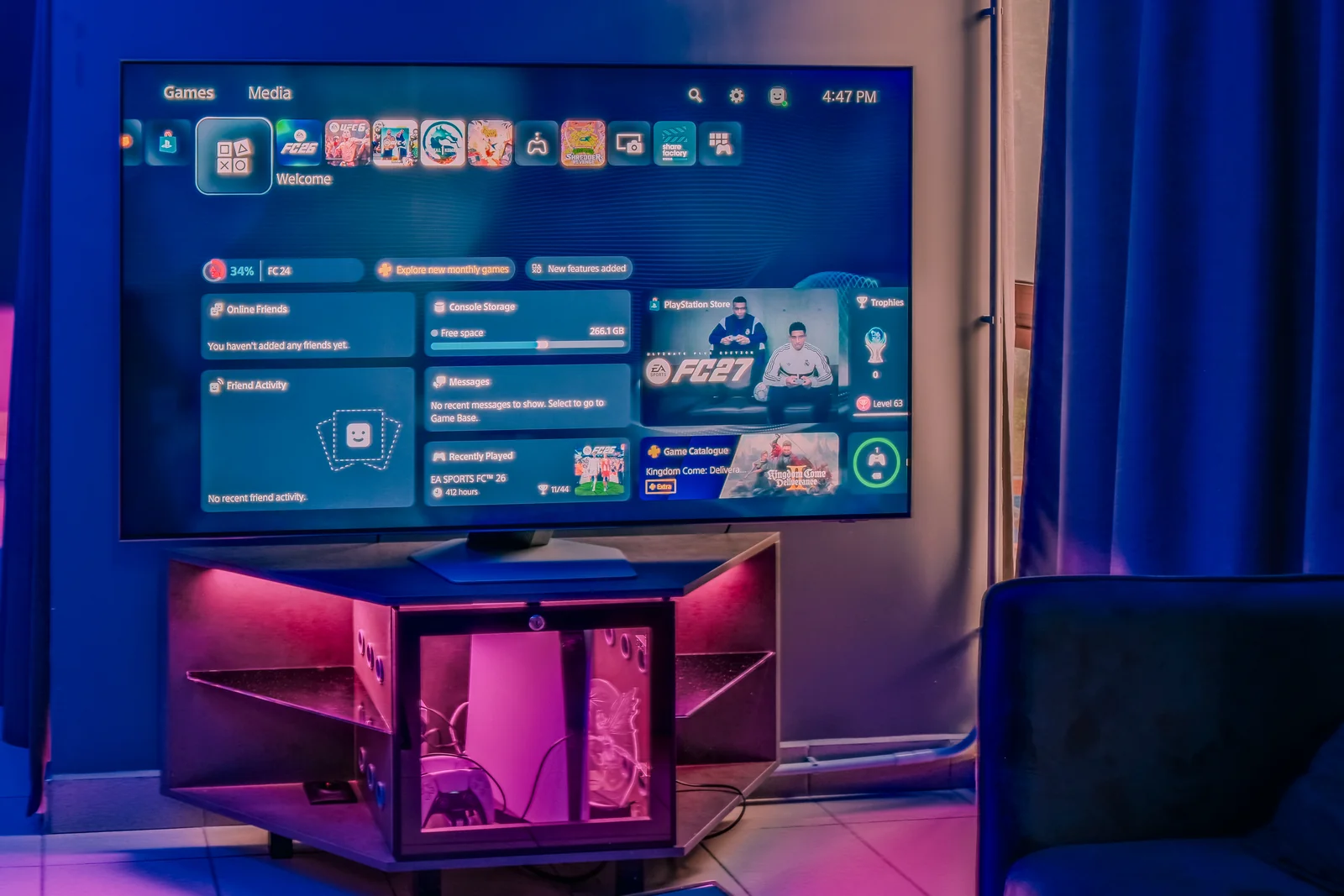
Your older clips are in Media Gallery on the games home screen. If you’re on a shared console, work out how to take the recording with you. PS5 can copy a clip to a connected USB drive. Open the clip in Media Gallery, select “More”, then “Copy to USB Drive”. At a club, ask the staff whether you can connect your drive.