No microphone sound in Discord: a quick check before the match
How to tell a muted headset from the wrong input device and check voice chat without reinstalling software.
First, find out where your voice disappears
This guide is useful if you have already joined a Discord voice channel but your team cannot hear you. If the service itself is unavailable or you cannot connect to the channel, that is a different problem: switching microphones does not remove network restrictions.
Ask two people to answer you in turn. If one can hear you and the other cannot, check the second person's settings before changing your headset. If the problem occurs on only one server or in a particular channel, ask the administrator about voice permissions and any restrictions on your account.
Check both mute controls
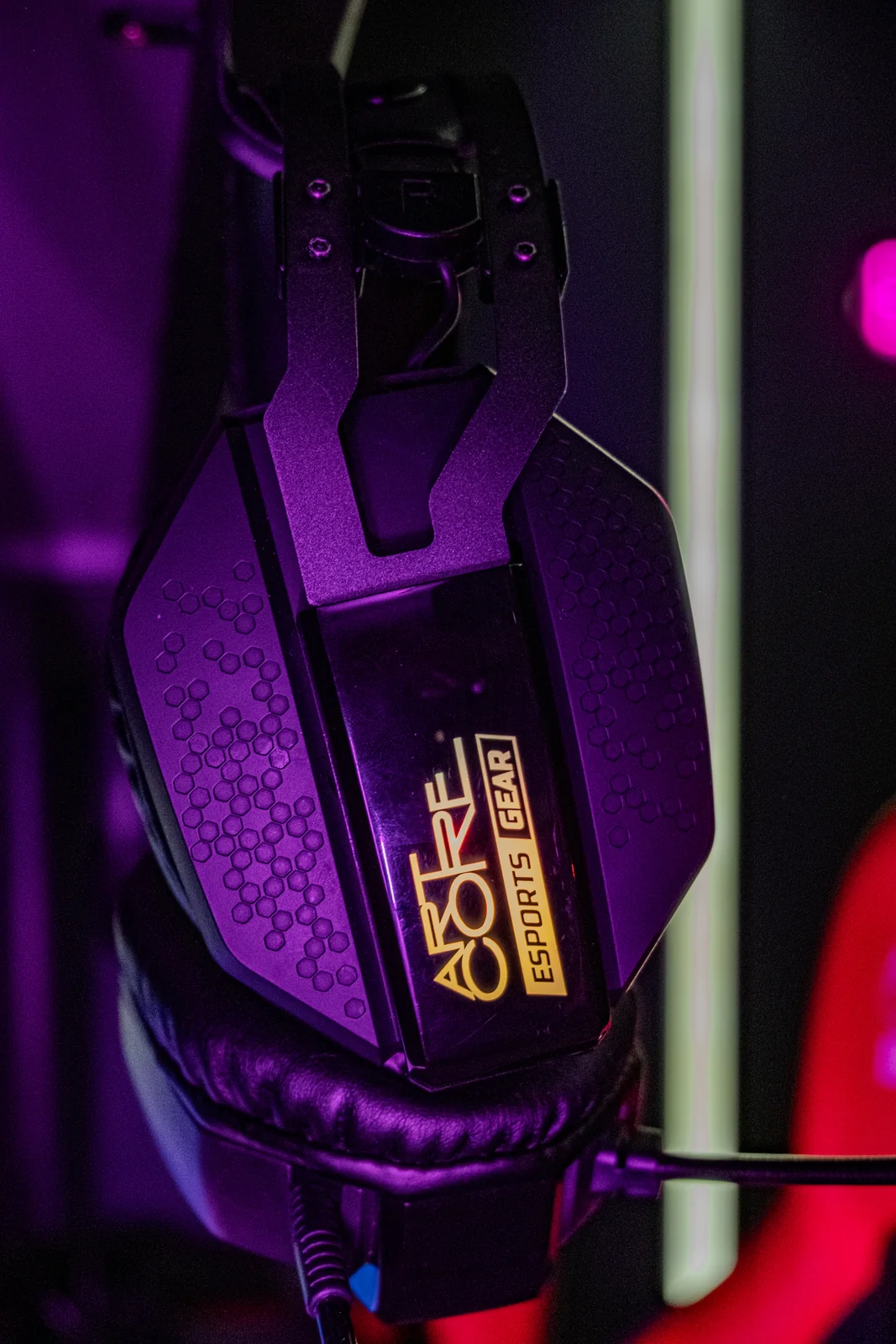
Your microphone may have separate mute controls on the headset and in the app. Check the button or switch on the headset, then the microphone icon in Discord. A crossed-out icon means voice transmission is disabled. Unmuting one control does not necessarily unmute the other.
Do not unplug cables from a club computer at random. If a connection looks loose, a cable is damaged or a switch is unfamiliar, ask a staff member to check it. On your own device, make sure the connector is firmly plugged in.
Select the microphone, not just the headphones
Open User Settings using the gear icon, then select Voice & Video. The input device determines what others hear from you. The output device determines the sound in your headphones. Selecting the correct headphones as output does not confirm that the correct microphone is selected.
Choose the connected headset's microphone in the input list. If the names look similar, try one option at a time and check the result with a teammate so you know which change helped. Do not turn every slider up to maximum. First get your voice working, then choose a comfortable volume.
If you use Discord in a browser, also check the page's microphone permission. A browser restriction can block your voice even when the right device is selected. On a club PC, leave system permissions and driver issues to a staff member.
Check when the app should listen
Check the input mode in the same section. Voice Activity lets you speak without pressing a separate key. In Push to Talk mode, the microphone transmits while you hold the assigned button. If your team hears you only occasionally, check whether the app is waiting for that button press.
Say a short in-game callout in your normal voice. Then repeat it from the position you will use during the match. Shouting directly into the microphone tells you little about how a calm callout will sound from your chair.
Confirm the result with a short conversation
Before queuing for a match, exchange a few sentences: one person speaks, the other answers, then swap. Make sure the beginnings and endings of words are audible and the volume is comfortable for everyone. If these straightforward checks still produce no voice, stop and ask an ARTCORE staff member for help. Reinstalling software at a gaming station should not become part of preparing for your evening.
Choose a convenient club and gaming seats ahead of your team's visit. A couple of minutes spent checking voice chat before playing can save you from troubleshooting during an important round.