DREADMOOR enters Early Access: what to know before your first voyage
Fishing goes hand in hand with dangerous expeditions. We look at who might enjoy this new game, why to update it before starting and what not to expect yet.
For an evening away from competitive pressure
A familiar fishing rod can easily create the wrong expectation: DREADMOOR is about survival among flooded lands, not a peaceful fishing weekend. Your catch helps develop your vessel, exploration brings new dangers, and encounters with monsters disrupt the calm. The version available on Steam since 9 November 2026 is still in Early Access.
The game may appeal to players who want a change of pace after team matches: your own route and boat development instead of a ranking. But there is no shared expedition with friends: the Steam listing specifies single-player. For a group expecting to play together, that matters more than an attractive trailer.
What you get now
The developers describe the launch version as one large region with story content and the main gameplay systems. After finishing the available story, you can continue exploring and fishing. New regions and mechanics are part of future development plans. Judge a purchase by the game already available, rather than the promised scale of a future version.
Steam lists a Russian interface, subtitles and voice acting. That makes a first visit easier: you can follow events without translating objectives as you go. Early Access is still an unfinished version, however, and fixes and balance changes will continue to affect the experience.
Wait for updates before starting
In the first Early Access update on 9 November, the team reported fixes for losing control after the first sleep and for a generator quest bug that blocked progress. The practical lesson is simple: let Steam finish downloading updates before starting a long session. A version launched immediately after release may still contain a problem that has already been fixed.
The same notes announce native DualSense support. The developers specify a different route for DualShock 4: Steam Input. If you bring your usual controller to a PC, first check its response in the menu and when moving the character. Support for a particular model does not mean every connection issue should be addressed in the same way.
Plan your first session
Do not set yourself a large mandatory progress target for one evening. Start with a small goal: learn the controls, understand the available objective and work out how to return for your next session. This helps separate your interest in the game from the urge to rush through its introduction.
If the image stutters, compare settings in the same location, changing one option at a time. Our guide to Steam's Performance Monitor can help you observe drops. One high FPS reading does not describe how smooth the whole journey feels.
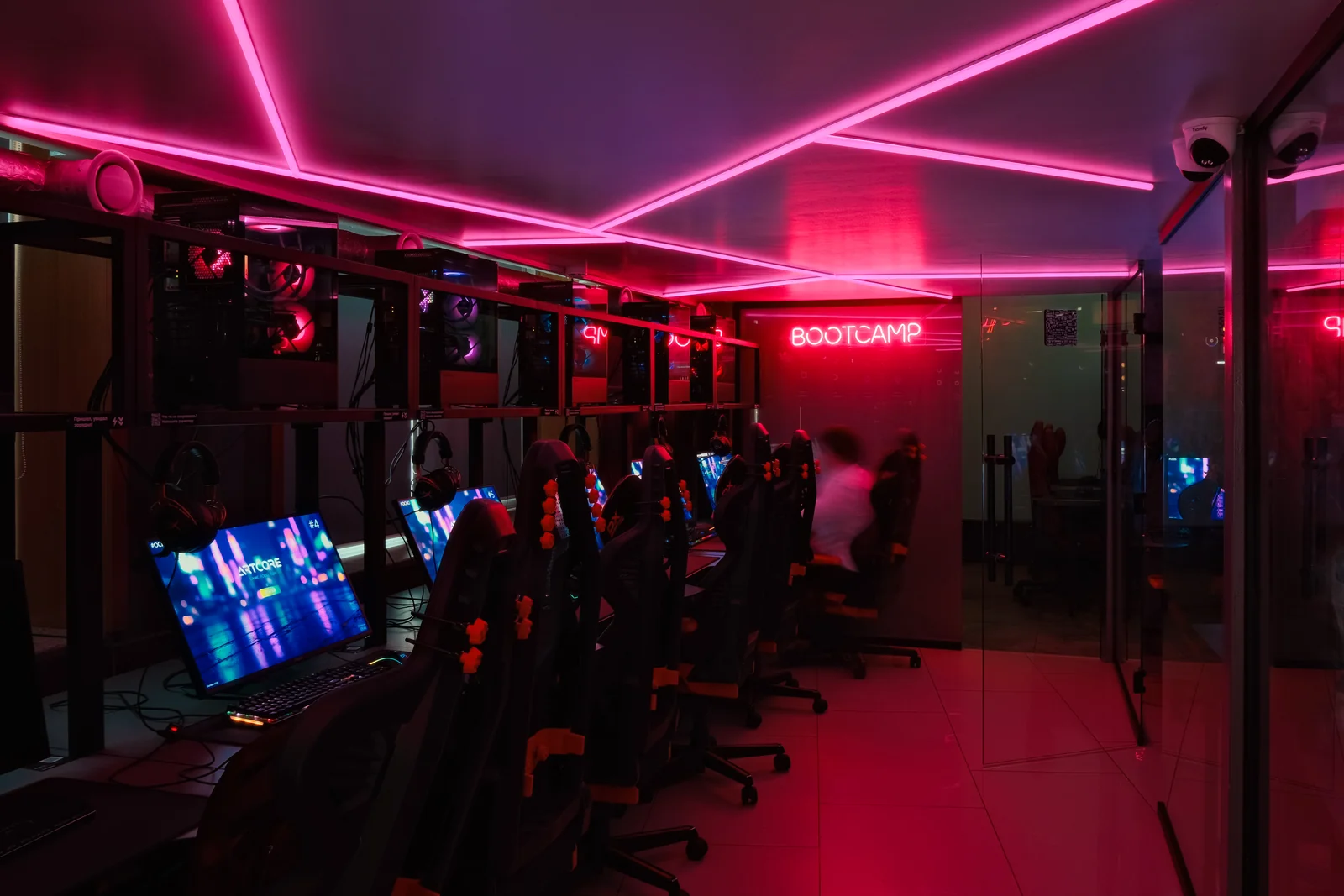
Before visiting ARTCORE, ask the administrator whether DREADMOOR can run on your chosen PC and what access to the game requires. An article about a new release does not mean it is already installed or included in a gaming session. Find a suitable location on the club map.