
Where to find a powerful gaming PC in Kazan
A competitive shooter calls for a stable frame rate and a fast monitor. A detailed story-driven game depends on what the graphics card can deliver at your chosen resolution. Choose a powerful PC to suit a specific game and seat in the hall.
Find a club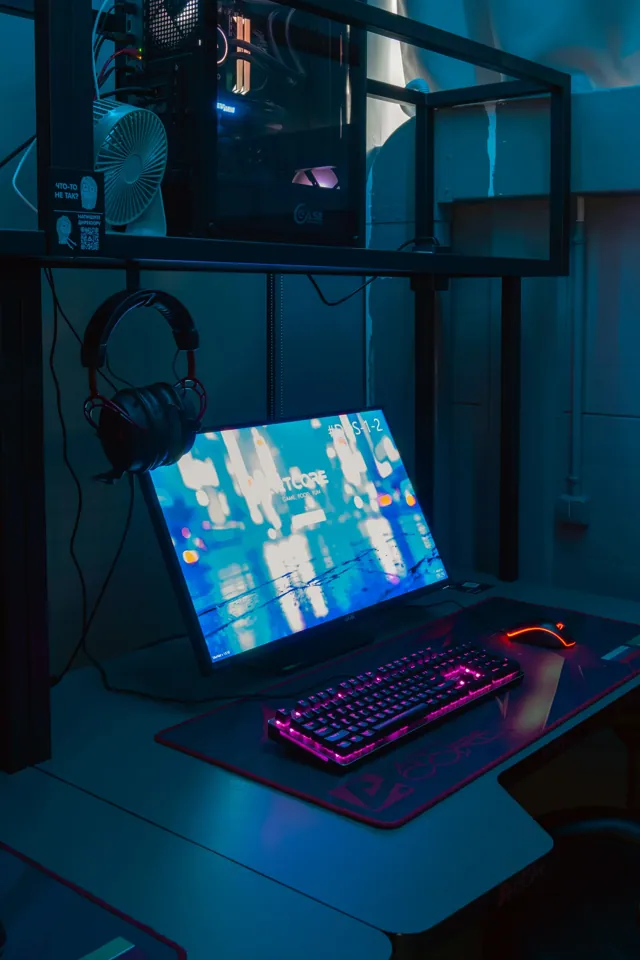
Compare gaming areas
ARTCORE Magellan
Kazan, Chistopolskaya, 36
The UNO area lists four PCs with RTX 4090 graphics and Dell 4K monitors. For a team of five, Bootcamp provides five RTX 4070 Ti PCs and Acer monitors with refresh rates up to 240 Hz.
ARTCORE GUM
Kazan, Baumana, 51
Cyber Arena lists ten PCs with RTX 4080 graphics and Dell AW2723DF monitors. The UNO area has four RTX 4090 PCs for 4K gaming.
Frequently asked questions
How do I find the most powerful PC in the club?
Specify which game and settings you want to use. Ask to compare the CPU, graphics card and monitor of seats available at your chosen time. A VIP area's name alone does not determine performance.
What matters most for Counter-Strike 2?
Look for stable frame rates in your chosen mode and check the monitor's refresh rate. If you are playing as a team, also check whether you can sit together and communicate through headsets.