Cannot be heard in PS5 chat: check your microphone and voice channel
You can hear the game, but your team cannot hear you? Check the input signal first, then the correct chat channel, to find where communication is breaking down.
Start with a quick check before the match
Ask a friend to exchange one sentence each way. Separate two symptoms: they cannot hear you, or you cannot hear them. Headphone volume controls what you hear; increasing it does not make your microphone louder. Check voice chat in the menu or lobby so you are not distracted in the middle of a round.
Is the console receiving your voice?
On PS5, open Settings → Sound → Microphone. Under Input Device, select the microphone you intend to use. DualSense has a built-in microphone, so the connected headset and the selected voice source are not always the same thing.
Open Adjust Microphone Level and calmly say a normal in-game callout, such as 'I'm covering the passage, wait'. Aim for the recommended area of the meter rather than maximum gain. If the meter responds, the console is receiving a signal; check the chat channel next.
If there is no response, check the microphone mute controls on the controller and the headset, then check the selected device again. Do not change several settings at once. On a club console, ask the administrator to check the connection or try another headset for comparison; there is no need to reset the system.
Your voice works, but the wrong players hear it
A PlayStation party and a game's voice chat are different channels. Press PS, open the voice chat card and check which conversation you have joined. If your friend is in a party while you are speaking in game chat, a working microphone will not solve the problem. Choose one shared chat and repeat your test sentence.
For game chat, also check Mute Game Voice Chat in the control centre's Sound section. Enabling it interferes with communication in that channel. Chat availability and how to enable it inside a game depend on the game itself.
For example, if your friend hears you in a PlayStation party but not in the game's lobby, do not start by buying a new microphone. First check the selected channel and that game's voice settings. This comparison narrows down the causes but does not yet prove which setting is responsible.
If you are the one who cannot hear clearly
Check the audio output device: PS5 may be sending sound to another connected output. A PlayStation party also provides a balance between conversation and other sounds. Gradually move it towards voice instead of sharply increasing the overall volume.
After adjusting it, ask your friend to say a sentence over the game audio. A sufficient result is that both of you understand normal speech without shouting. If voices cut out intermittently, note whether it happens only in one game or in the party too, and pass that observation to the administrator.
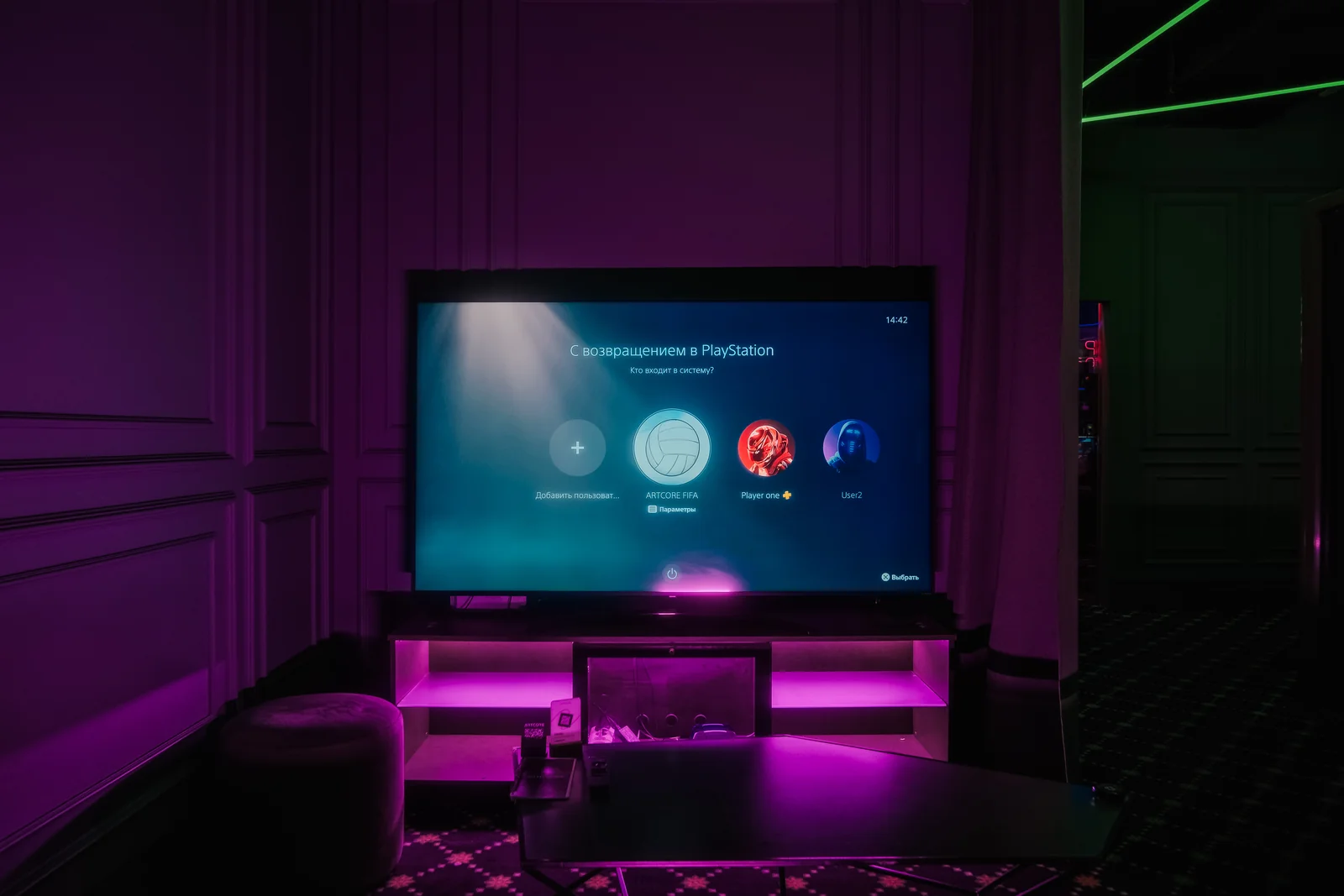
For an evening together, explore PlayStation options at ARTCORE and choose a suitable club. Check availability of your game and headsets before visiting.