
How to choose a gaming club in Kazan
For a team match, sitting together matters most. For solo play, the specific PC and monitor matter more. ARTCORE offers shared halls, private rooms and team areas. Here are three clubs for different plans.
Find a club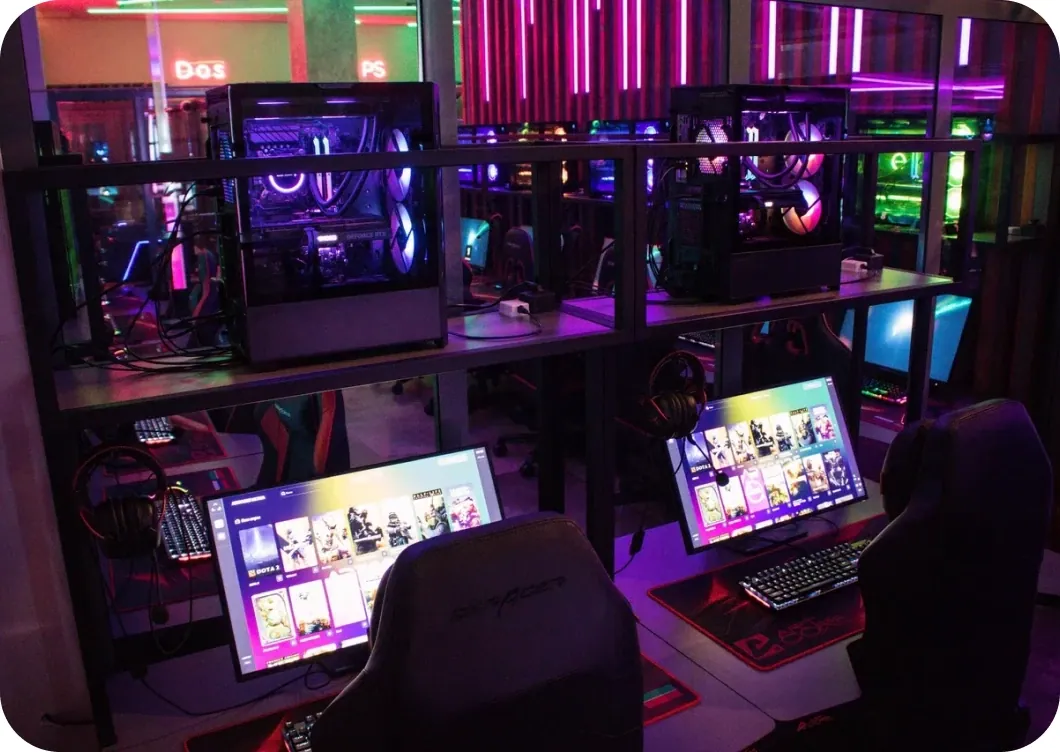
A club for your game
ARTCORE GUM
Kazan, Baumana, 51
Baumana has a five-seat gaming Bootcamp. It suits a team that wants to play a match in the same room. Check that the whole room is available at your chosen time.
ARTCORE Magellan
Kazan, Chistopolskaya, 36
Magellan suits a get-together where some guests want gaming PCs and others prefer the console area. Specify your preferred setup when booking.
ARTCORE Sotsialisticheskaya
Kazan, Sotsialisticheskaya, 8
Sotsialisticheskaya has a shared hall, VIP rooms and a five-PC Bootcamp. Choose the shared hall or gather your team in a private area.
Frequently asked questions
Can I book five adjacent seats?
Five-PC Bootcamp rooms are available at GUM, Magellan and Sotsialisticheskaya. Choose a convenient club and provide the date, time and number of players so the administrator can confirm that the whole area is available.
How can I check prices and choose the nearest location?
Open the club directory and choose a convenient location. The club page lists rates by area and a floor plan with current seat availability. If you need five adjacent PCs or a whole room, arrange seating with the administrator.